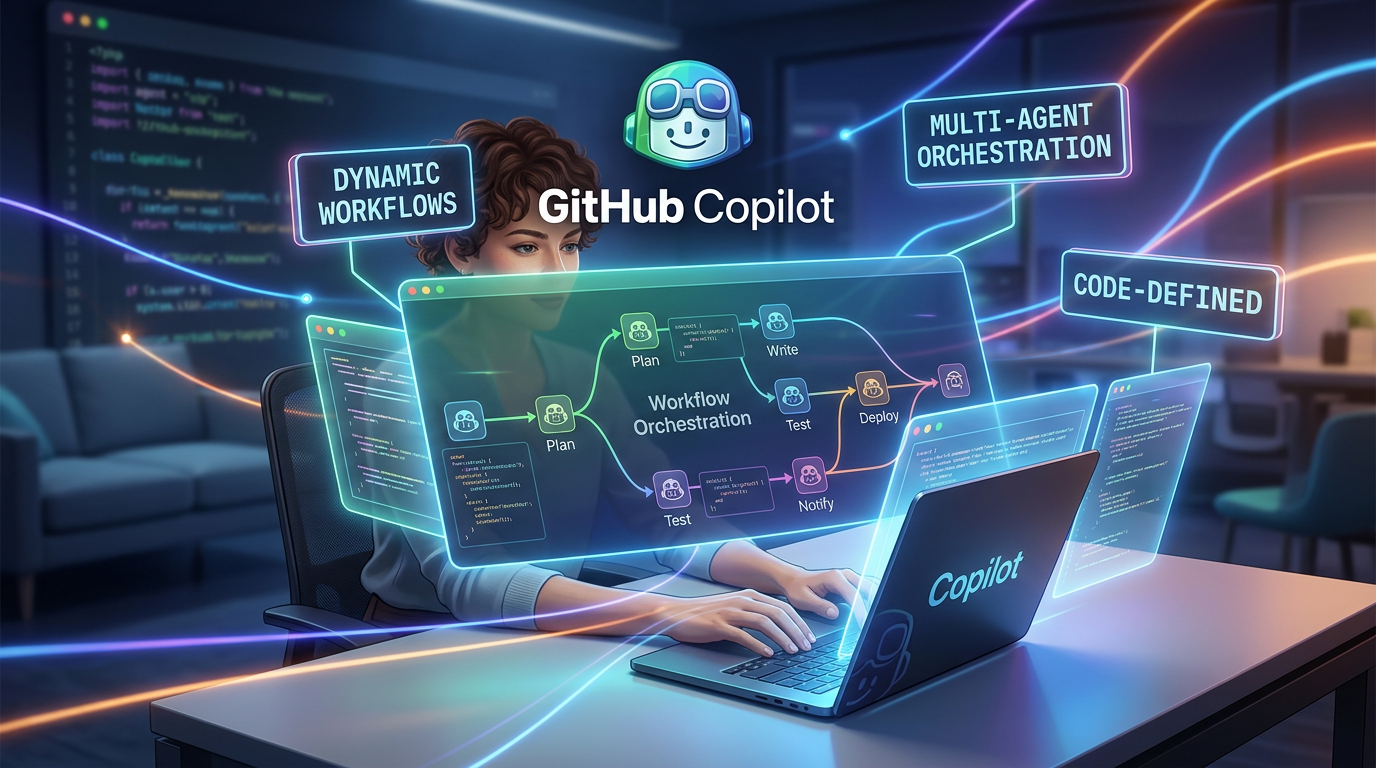
GitHub has introduced dynamic workflows in Copilot CLI, the GitHub Copilot app, and the Copilot SDK. The feature lets developers define multi-step agent orchestration in code so complex work can run sequentially, in parallel, or through a combination of both patterns.
What is a dynamic workflow?
A dynamic workflow is a program that defines how a task should be executed while leaving analysis and judgment to one or more agents. Code controls the sequence, dependencies, pauses, and combination of results, while agents handle the parts that require interpretation.
Why orchestration in code matters
A single prompt can be effective for a small task, but larger workflows benefit from explicit control. For example, a workflow can collect logs first, send independent investigations to several agents in parallel, combine their findings, and then generate a final report.
Software engineering use cases
GitHub highlights release checks, parallel pull-request review, codebase sweeps, incident investigation, and research-to-implementation workflows. These are tasks where a repeatable process matters as much as the quality of an individual model response.
Pause and resume
Dynamic workflows can also be useful for long-running work. A workflow can reach a point where human review is required, pause, and continue after the developer approves the next stage. This provides a clearer control boundary than asking an agent to perform every action autonomously.
Reliability and observability
Putting orchestration in code gives teams a place to define dependencies and inspect the execution path. It can also make complex agent behavior easier to test because the workflow itself becomes a versioned software artifact.
Practical takeaway: Use dynamic workflows when a task involves multiple agents, parallel analysis, repeatable steps, or human checkpoints. For simple questions or small code changes, standard Copilot interaction remains more appropriate.
Source: GitHub Changelog