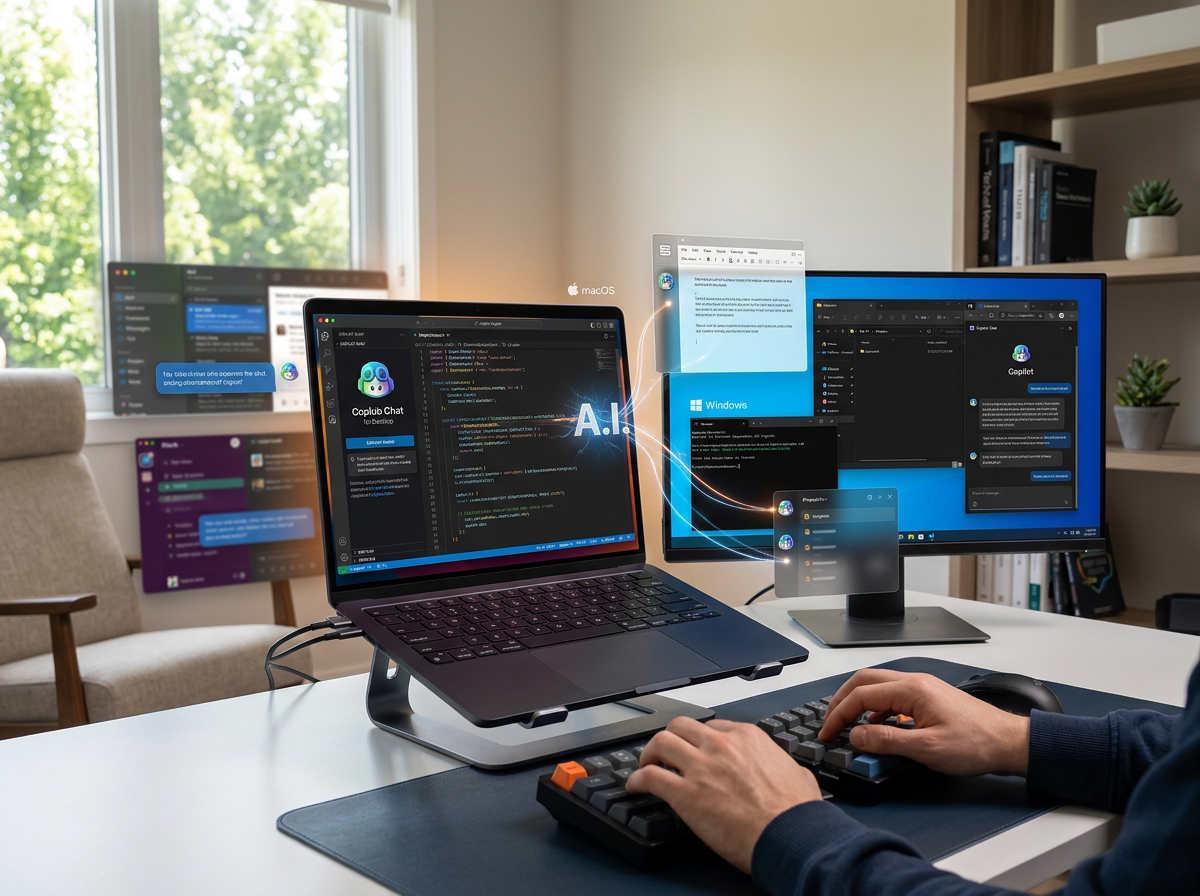
GitHub Copilot can now interact with desktop applications using computer use, bringing agent-style automation to software that may not have an API, command-line interface, or MCP integration. The feature entered public preview on October 1, 2026 for the GitHub Copilot CLI and Copilot app on macOS and Windows.
What Copilot can do
Copilot can read accessible application content and visual context, click controls, enter and edit text, press keys, scroll, drag elements, and navigate workflows across applications. This makes the capability relevant to legacy business software and GUI-only applications.
Examples of practical workflows
A developer or employee could ask Copilot to move information between applications, update a presentation, review notifications in a browser, or work through an expense-report interface. These tasks previously required either manual work or a dedicated integration.
User approval and permissions
Computer use is not intended to remove the user from the loop. GitHub says Copilot asks for approval before controlling an app, and users can review or reset applications that have been allowed. macOS also requires Accessibility and Screen Recording permissions.
Why this changes desktop automation
Traditional automation generally depends on stable APIs or carefully maintained scripts. Computer use offers a more flexible interface because the agent can work through the same visible controls a person uses. The tradeoff is that graphical interfaces can change, making testing and monitoring important.
Developer considerations
Teams should start with workflows that have predictable outcomes and low consequences. They should also document which applications the agent can control, what permissions are granted, and what actions require approval.
Practical takeaway: GitHub Copilot computer use is particularly interesting for organizations with legacy or GUI-only software. Treat it as a controlled automation capability rather than a fully unattended replacement for application integrations.
Source: GitHub Changelog